> ## Documentation Index
> Fetch the complete documentation index at: https://docs.calbudget.com/llms.txt
> Use this file to discover all available pages before exploring further.
# CalBudget Business overview
> Understand the separate CalBudget Business product lane for verified business SaaS spend audits and renewal control.
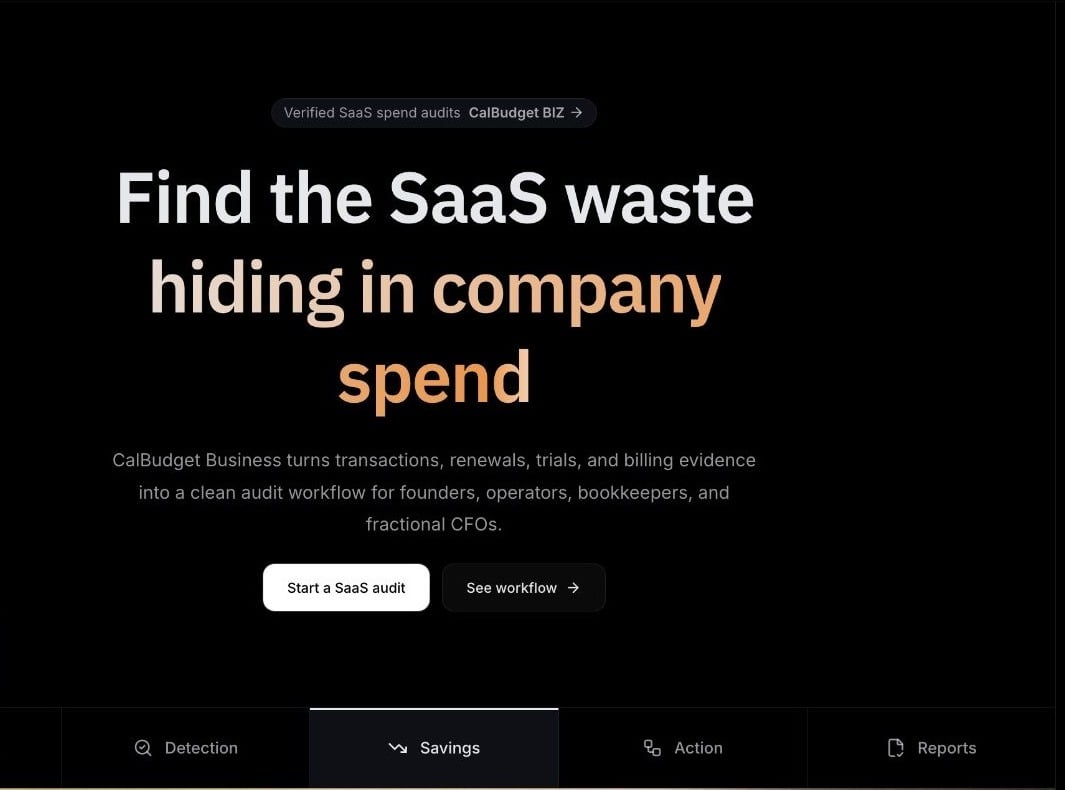
CalBudget Business is the business product lane for verified companies that want to audit SaaS spend, control renewals, and prove savings. It is separate from the consumer CalBudget calendar app.
 Do not use consumer CalBudget plan names for CalBudget Business. Free, Plus, and Navigator are consumer plans only.
## Who it is for
CalBudget Business is built for:
* Startup founders reducing burn
* Operations teams managing tools and renewals
* Bookkeepers turning transaction review into a review workflow
* Fractional CFOs running repeatable SaaS spend audits for clients
## What it helps teams do
CalBudget Business focuses on the SaaS spend loop:
Connect or upload company spend data for review.
Identify subscriptions, repeat charges, renewals, and vendor patterns.
Add context, confidence, and supporting details to each opportunity.
Create savings opportunities with an owner, due date, approval path, and outcome tracking.
Review potential savings, confirmed savings, renewal risk, and completed actions.
Review renewals, repeat vendors, and planned savings actions on a business calendar.
Learn how evidence, assignments, approvals, and outcomes fit together.
## Business access
CalBudget Business is intended for verified business workspaces. Full activation should happen only after business access is approved.
After approval, your business workspace gives your team a shared place to review SaaS spend, renewals, evidence, and savings actions.
## What CalBudget Business does not do automatically
CalBudget Business should never imply that it cancels every SaaS product automatically. It creates evidence-backed workflows, reminders, instructions, and reports.
Sensitive actions require explicit human approval and should leave an audit trail.
## Keep it separate from consumer CalBudget
Consumer CalBudget helps individuals plan cash flow by date. CalBudget Business helps companies review SaaS spend and renewal risk.
The products have separate:
* Product surfaces
* Billing and subscription paths
* Workspace and role models
* Data privacy expectations
* Support and deletion expectations
Use CalBudget Business when talking about the company workspace product.
Do not use consumer CalBudget plan names for CalBudget Business. Free, Plus, and Navigator are consumer plans only.
## Who it is for
CalBudget Business is built for:
* Startup founders reducing burn
* Operations teams managing tools and renewals
* Bookkeepers turning transaction review into a review workflow
* Fractional CFOs running repeatable SaaS spend audits for clients
## What it helps teams do
CalBudget Business focuses on the SaaS spend loop:
Connect or upload company spend data for review.
Identify subscriptions, repeat charges, renewals, and vendor patterns.
Add context, confidence, and supporting details to each opportunity.
Create savings opportunities with an owner, due date, approval path, and outcome tracking.
Review potential savings, confirmed savings, renewal risk, and completed actions.
Review renewals, repeat vendors, and planned savings actions on a business calendar.
Learn how evidence, assignments, approvals, and outcomes fit together.
## Business access
CalBudget Business is intended for verified business workspaces. Full activation should happen only after business access is approved.
After approval, your business workspace gives your team a shared place to review SaaS spend, renewals, evidence, and savings actions.
## What CalBudget Business does not do automatically
CalBudget Business should never imply that it cancels every SaaS product automatically. It creates evidence-backed workflows, reminders, instructions, and reports.
Sensitive actions require explicit human approval and should leave an audit trail.
## Keep it separate from consumer CalBudget
Consumer CalBudget helps individuals plan cash flow by date. CalBudget Business helps companies review SaaS spend and renewal risk.
The products have separate:
* Product surfaces
* Billing and subscription paths
* Workspace and role models
* Data privacy expectations
* Support and deletion expectations
Use CalBudget Business when talking about the company workspace product.