

Reports and planning views
Open reports
From the calendar, open the reports menu in the top navigation. The menu includes:- Category Spending for the current month
- Category Trends for the current account
- Category Trends across all accounts
- Recurring Balances
Category reports
Use these to understand where income and expenses are grouped this month and across time.
Recurring Balances
Use this to track repeat deposits, payments, savings movement, debt payments, and other balance progress.
Analytics
Use the broader dashboard when you want a deeper read on timing risk, concentration, and cash-flow pressure.
Calendar follow-up
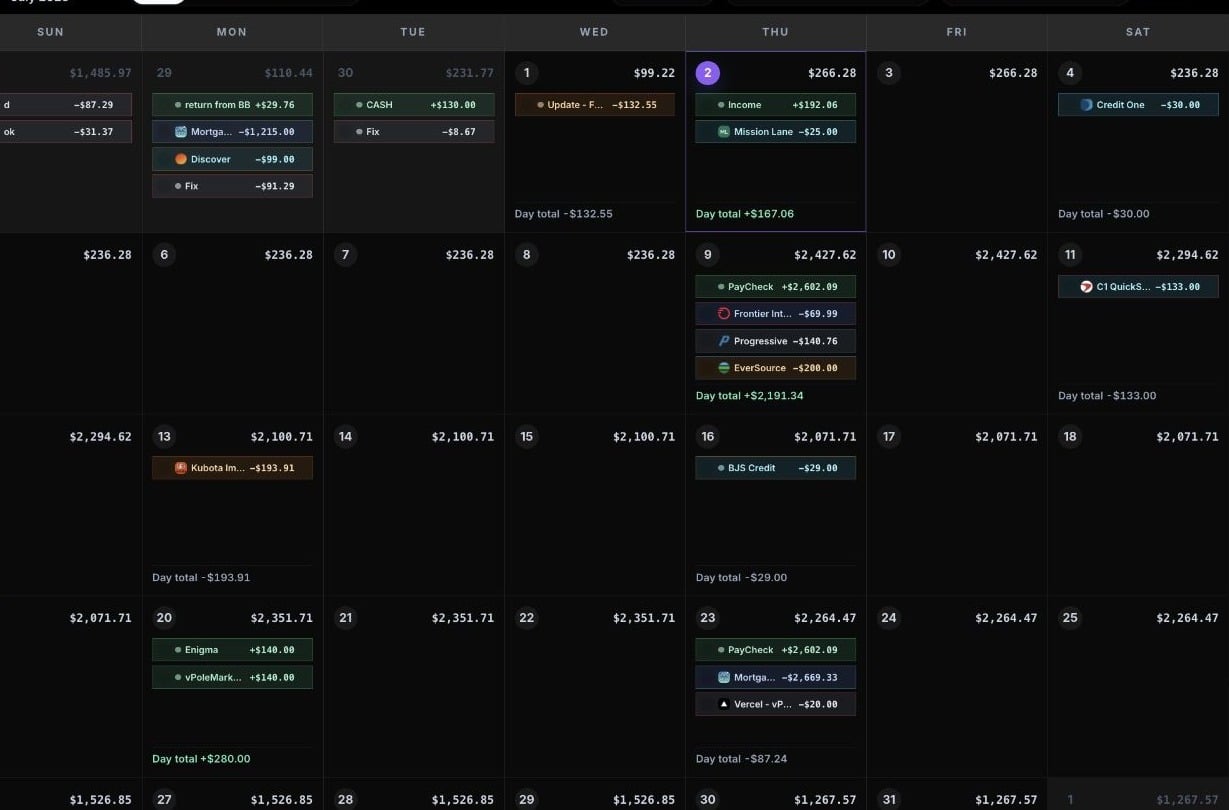
Reports point to patterns. The calendar is where you adjust dates, amounts, categories, and recurring schedules.
Review category spending
Category Spending shows how the current month is split across income and expense categories. Use it when you want to answer questions like:- Which expense categories are taking the most money this month?
- Is one category unusually high?
- How much income and expense activity is already on the calendar?
Compare category trends
Category Trends helps you compare category totals over time. You can review the current account or all accounts, depending on the report option you choose. Use trends when you want to see whether a category is becoming a regular pressure point instead of a one-month spike.Use Analytics
Analytics is the broader reporting dashboard. It includes report panels for:- Balance forecast
- Balance pulse
- Cash flow
- Category concentration
- Top expenses
- Recurring load
- Budget health score
- Timing risk
- Budget health radar
- Category load rings
- Cash flow map
- Balance line