

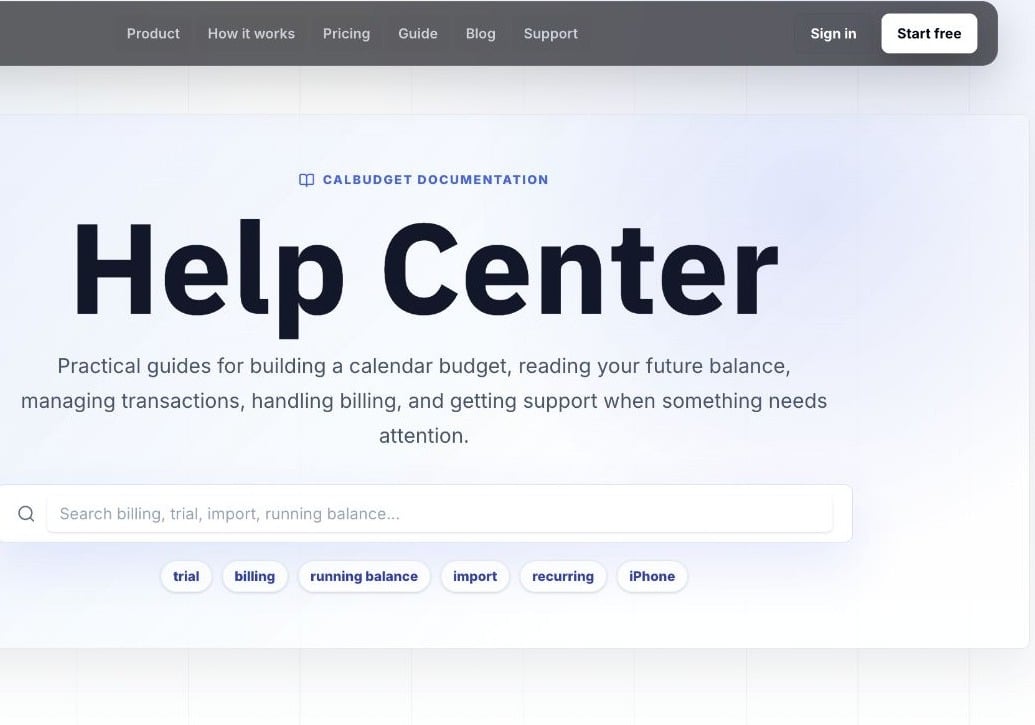
CalBudget Help Center
Support page
Best when you cannot get into the app or need to send a clear support request from the website.
In-app tickets
Best when you are signed in and want support connected to the right CalBudget account.
Live chat
Best for quick questions from the Help area or documentation site.
Public support page
The public support page is available at/support.
Use it when you cannot get into the app, need billing help, or want to send a message without opening the calendar. The form asks for:
- Name
- Reply email
- CalBudget account email, if different
- Topic
- Message
Email support
The support page also shows the direct support email address. Use email when you need to include screenshots, billing details, or a longer explanation. For billing questions, include whether you subscribed on the website through Stripe or through the App Store.The direct support address is
support@calbudget.com.In-app tickets
When you are signed in, CalBudget can create support tickets from inside the app. In-app tickets help support connect your message to the right CalBudget account. You can review your ticket history from the Help area when the ticket list is available. If support replies, CalBudget can show reply banners so you know there is something new to read.Help Center ratings and feedback
Help Center articles may ask whether an answer was helpful. Use ratings for quick documentation feedback. Use product feedback when nothing is broken but something could be clearer, faster, or easier. Use support when you need help with an account, billing, data, or a bug.Chat from Help
The Help area can launch the Woes chat widget for lightweight support. Use chat for quick questions and use a support ticket or email when the issue needs account-specific follow-up.Good support messages
Good support messages are specific:- The email address on your CalBudget account
- The page or modal you were using
- The plan or billing path involved, if relevant
- The transaction, account, category, import file, or report involved
- The steps you took before the issue happened
- Any error message you saw
Do not send bank passwords, card numbers, or one-time codes. CalBudget support does not need those to help you.